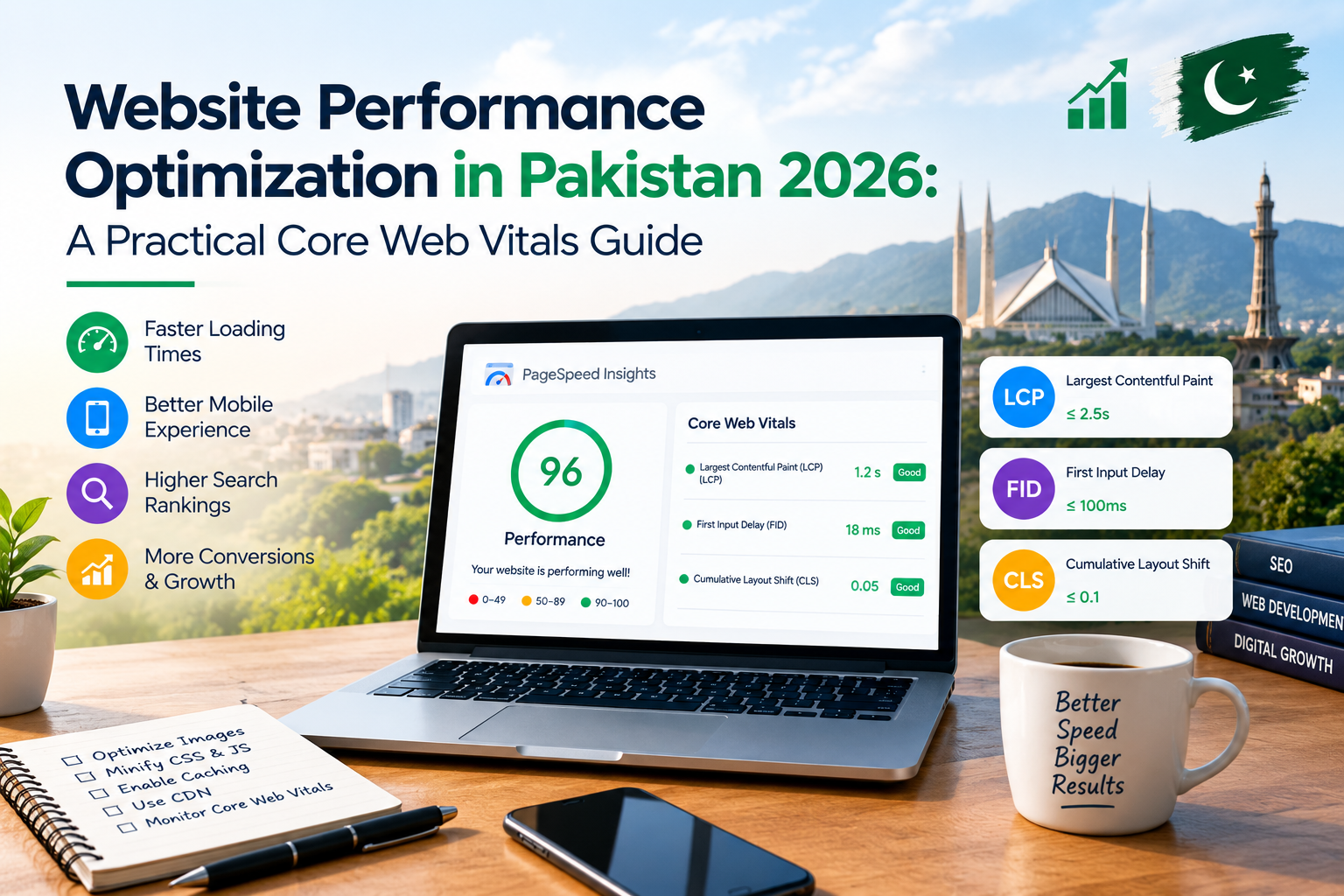
A beautiful website can still lose leads if visitors wait too long for the page, tap a button that does not respond or watch the layout jump while reading. Website performance optimization in Pakistan is not about chasing a perfect lab score. It is about finding the bottlenecks that slow real visitors, fixing them in the right order and proving the result with field data.
1. Why website performance still matters
Most businesses in Karachi and across Pakistan judge a website by its design and the content on the page. Those matter, but the first experience is physical: a visitor opens a link, waits for the main content, decides whether to scroll and then tries to tap a menu, form or product filter. Performance is the part of the brand that the visitor feels before they read a single line of copy.
A slow page can make a reliable business look unreliable. It can delay the first impression, interrupt a form submission and give a visitor a reason to return to a competitor. The business impact is especially visible on an e-commerce website, where products, filters, images and checkout need to work together without making the customer wait.
Performance also belongs in the website development process from the first wireframe, not only in a final technical audit. Image sizes, template structure, script loading, fonts and hosting decisions made on day one can be expensive to correct later.
Performance is a product decision. Decide which content must appear first, which features can load later and which third-party tools justify their cost in main-thread work before shipping them.
2. LCP, INP and CLS explained
Google's web.dev documentation groups the current Core Web Vitals around three user experiences: loading, interactivity and visual stability. The official “good” targets are LCP at 2.5 seconds or less, INP at 200 milliseconds or less and CLS at 0.1 or less, measured at the 75th percentile of page loads.
| Metric | What it measures | Good target | Common symptom |
|---|---|---|---|
| LCP | When the main visible content renders | ≤ 2.5 seconds | Blank hero area or a late headline |
| INP | How quickly the page visibly responds to clicks, taps and keyboard input | ≤ 200 milliseconds | Menus, filters and forms feel stuck |
| CLS | Unexpected movement of visible content while loading | ≤ 0.1 | Text moves after an image or banner loads |
These are not three unrelated “speed scores.” A slow origin server can push LCP late; a large JavaScript application can make INP poor; an image without dimensions, late font swap or banner inserted after paint can create CLS. Finding the actual cause is more important than applying a generic list of plugins.
3. Measure the real problem before changing code
There are two important measurement layers. Lab data comes from simulated runs such as Lighthouse and is useful for repeating a test and finding a specific bottleneck. Field data comes from real visitors and is needed to understand what phones, networks and interactions actually happen. Google's PageSpeed Insights documentation explains that both layers have different jobs.
For a Pakistani business, the useful sequence is:
- Select the pages that matter most: home, product or service pages, category pages and checkout or enquiry forms.
- Run a mobile lab test and record the LCP element, the slowest interactions and the largest resources.
- Compare the result with field data when enough traffic exists. If CrUX or Search Console has no data, do not invent a field score.
- Fix one bottleneck at a time, deploy the change and measure again in the same conditions.
For interaction problems, use a real-user monitoring approach where possible. A single Lighthouse score cannot show which menu, filter or form interaction is frustrating customers on a particular device. A performance profile of actual interactions gives the developer a more useful target.
4. How to improve LCP
LCP is the loading metric. It records when the largest visible image or text block finishes rendering within the viewport. The important question is not simply “how large is the image?” It is when the browser discovers it, how it is prioritised and how long the server takes to return the document.
web.dev's LCP guidance breaks the metric into four parts: time to first byte, resource load delay, resource load duration and element render delay. Fixing the largest bottleneck in the timeline is more useful than applying several micro-optimisations at random.
| LCP part | What to inspect | Practical fix |
|---|---|---|
| Time to first byte | Caching, redirects, redirects to origin and slow database work | Use suitable caching, remove unnecessary redirects and review slow backend queries |
| Resource load delay | When the browser discovers the hero image or other LCP resource | Make the resource discoverable in the HTML and do not lazy-load the LCP element |
| Resource load duration | File size, response and connection priority | Use appropriately sized responsive images and modern formats, with the critical image prioritised |
| Element render delay | Render-blocking CSS or scripts and renderable main-thread work | Defer non-critical work, reduce blocking resources and keep the hero content renderable immediately |
Do not lazy-load the above-the-fold hero image. It needs to be discovered and fetched early. A responsive image set can serve a smaller file to a mobile viewport and a larger file to a desktop viewport. Only the images below the first meaningful viewport usually need lazy loading.
For a custom web application, the LCP resource may not be a conventional hero image. It may be a server-rendered headline, text block or product panel. The same principle applies: make the main content renderable without waiting for unrelated JavaScript.
5. How to improve INP
INP measures the visible response to a user interaction. A visitor taps a filter, opens a menu or starts typing in a form, and the page should respond visibly and quickly. The final INP value represents the longest interaction observed, sometimes ignoring selected outliers, so one sluggish experience can affect the page's result.
The first step is to find the slow interaction. A heavy event handler, a large JavaScript bundle, a chat widget, a tag manager or a component that re-renders too much can all contribute. Once the culprit is found, the fix depends on the work being performed.
Common INP fixes
- Break up long tasks. A browser main-thread task longer than 50 milliseconds can block input. Split heavy synchronous work and yield to the browser when possible.
- Audit third-party scripts. Analytics, chat, advertising and A/B-testing tools should be loaded only when they provide clear business value and tested for main-thread work.
- Reduce hydration and bundle weight. Ship only JavaScript that the page needs. Split routes and components that do not need to execute on the initial view.
- Optimise the interaction itself. Debounce or throttle search input, avoid rebuilding a large DOM tree and move heavy calculations to a worker where the browser supports it.
If a product has a chat widget or a map or map-related embed, keep the feature lazy-loaded and explain the fallback when the embed is not ready. A visitor should be able to read the product information and open a menu even if an optional embed is loading.
6. How to improve CLS
CLS captures unexpected layout movement. A user begins reading a heading, an image arrives without reserved space, a font swaps to a different size and the paragraph below jumps down. The result is a frustrating experience and can cause an accidental click on the wrong element.
- Give images, videos and embeds explicit
widthandheightattributes or reserve their space withaspect-ratio. - Reserve space for banners, cookie messages, adverts and dynamic widgets before they load.
- Use a carefully chosen font fallback and
font-displaystrategy so text does not reflow after a font arrives. - Avoid inserting a promotion above content the visitor has already started reading. Use a non-pushing layout or a position that does not move the main flow.
For a bilingual website, check the right-to-left layout as well. A design that appears stable in English can still shift when an Urdu label, longer translation or different font changes the line height.
7. What mobile users in Pakistan experience
Many visitors open a Pakistani business website on a mid-range Android phone over mobile data rather than a desktop computer connected to fibre. A score obtained on a developer laptop can therefore be misleading. Measure at least one representative Android experience and divide scripts, images and template work across the whole site rather than tuning one page in isolation.
When auditing a website under maintenance, keep the performance budget in the release process. When auditing a new website build, define the budget before the hero image, slider, plugin set, script inventory and third-party embed list is implemented.
For an e-commerce catalogue, check product-card images, search and filters, cart interactions and the checkout handoff. For a service business, check the enquiry form, image gallery, phone links and mobile navigation. A useful performance budget is tied to the pages that produce enquiries or orders, not to a single homepage score.
8. A website performance audit checklist
Use this checklist on a real page before making broad changes to the site. It is designed for a website owner or developer in Pakistan who wants a repeatable process rather than a list of unverified promises.
Before the audit
- Choose the key page templates and list the business action the visitor should complete.
- Record the current field data, if available, and a controlled mobile Lighthouse baseline.
- Audit the browser cache, hosting, redirects, database and CDN configuration.
- List every third-party script: analytics, chat, advertising, maps, A/B testing and social embeds.
During the fix
- Identify the LCP element, its source URL, file size, request priority and render-blocking dependencies.
- Check the slowest qualifying interaction and the long tasks in the main thread.
- Reserve space for images, videos, banners, embeds and font layouts.
- Keep critical above-the-fold content server-renderable and defer non-critical JavaScript.
- Use responsive images and load below-the-fold images only when needed.
After launch
- Re-run the same test on the same page type and device profile.
- Review field data after enough real traffic has been collected; a single lab run cannot prove the final experience.
- Add performance checks to the release process so new plugins or bundles do not undo earlier improvements.
- Keep a short change log with the before-and-after result for each fix.
9. When optimisation is enough and when a rebuild makes sense
A rebuild is not automatically the answer to a slow website. Many pages can be improved by fixing the LCP resource, reducing third-party JavaScript, correcting image dimensions, improving caching or replacing one inefficient template. A focused optimisation is usually preferable when the current design, content and functionality already match the business.
A redesign or rebuild becomes more reasonable when the site has accumulated conflicting plugins, duplicate scripts, old page builders, inaccessible source files, fragile integrations or repeated performance regressions. It may also be the right choice when the business needs a different content model, a new e-commerce platform or a custom web application that the current architecture cannot support.
For a business evaluating a new website, ask for both parts of the proposal: the performance approach and the ongoing support plan. The website maintenance service should protect the improvements after launch, and the development team should document which assets and third-party scripts are approved.
If you want an independent starting point, request a performance audit for the home page, one important product or service page and one conversion form. That small scope is enough to reveal whether the next step should be tuning, a template change or a complete rebuild.
10. Frequently asked questions
Q1. What are the current Core Web Vitals thresholds?
Google's web.dev guidance uses LCP at 2.5 seconds or less, INP at 200 milliseconds or less and CLS at 0.1 or less, evaluated at the 75th percentile of page loads. These are user-experience targets, not a promise of a ranking increase.
Q2. Is a 90+ Lighthouse score enough for a fast website?
A high Lighthouse score is useful for diagnostics, but it is a simulated lab result. Real users may have slower devices, different networks and more interactions. Use Lighthouse and PageSpeed Insights for diagnosis, then monitor field data to understand the actual experience.
Q3. How can I improve my website speed in Karachi?
Start with the slowest high-traffic page, identify the real bottleneck and check server response, LCP resources, render-blocking files and third-party scripts. Improve images, fonts, JavaScript delivery and layout stability in a measured order rather than installing several speed plugins at once.
Q4. Does Core Web Vitals automatically improve SEO?
Core Web Vitals are one page-experience signal among many. Passing them does not guarantee a ranking increase, and failing them does not automatically mean a penalty. The stronger business case is that a responsive, stable and faster site gives users a better reason to stay, complete a form or purchase.
Q5. Should every image use loading lazy?
No. Lazy loading is useful for many below-the-fold images, but it should not be applied to the LCP image because delaying discovery can hurt LCP. The correct choice depends on the image position and role on each page.
Q6. How often should website performance be checked?
Check high-traffic pages after major releases, theme or plugin updates, design changes and new integrations. Review field-data trends regularly, and use a repeatable pre-release check so a future bundle or script change does not undo earlier improvements.
Q7. Can Global Dezigns improve an existing website without rebuilding it?
Often, yes. A useful first step is an audit of the current pages, templates, images, scripts, hosting and third-party integrations. Some improvements can be made without a redesign, while a rebuild is only justified when the underlying architecture cannot meet the required functionality or performance goals.
11. Conclusion: make speed part of the build
Website performance optimization in Pakistan should be treated as an operating practice, not a one-time speed plugin. Start with a representative mobile page, separate lab diagnosis from real-user data and fix the bottleneck that is actually slowing the visitor. Keep the result visible with a repeatable audit and a performance budget.
Global Dezigns builds and supports websites, e-commerce stores and web applications from Karachi. If your current site is slow, ask for a measured performance review before replacing the entire website.
Need a faster website?
Global Dezigns helps businesses audit and improve website performance, e-commerce speed, mobile interactions and the long-term maintenance plan.
+92-341-3095182 · +92-21-34915812 · info@globaldezigns.com
Sources and further reading
- web.dev — Web Vitals
- web.dev — Optimize LCP
- web.dev — Optimize INP
- web.dev — How Core Web Vitals thresholds were defined
- Google for Developers — About PageSpeed Insights
